Showing posts with label Screenshots. Show all posts

Kodi 17.0 is available, install it on Solus OS

KODI 17.0 has just released few days ago. Now I want to guide you to install Kodi 17.0 codename Krypton on Solus OS. Kodi is a special software that will turn our Linux box into a rich features multimedia center. We ca use Kodi to play video files, audio, pictures and many more. To add more functionality, we can also install addons from various sources. We can watch online TV and many others.
Kodi 17.0 brings a lot of improvements, bug fixes and some additional features, new fresh skin. For more information, please read Kodi 17.0 release announcement. This new Kodi 17.0 has a totally new interface compared to previous version. Its getting better and lot easier. 


Kodi 17.0 Installation on Solus OS

The easiest way to install Kodi is using Software Center. 
  1. Open Solus Software Center
  2. Click Search and type "kodi" without quotes.
  3. Click Kodi from the search result
  4. Press Install and enter your root password. 

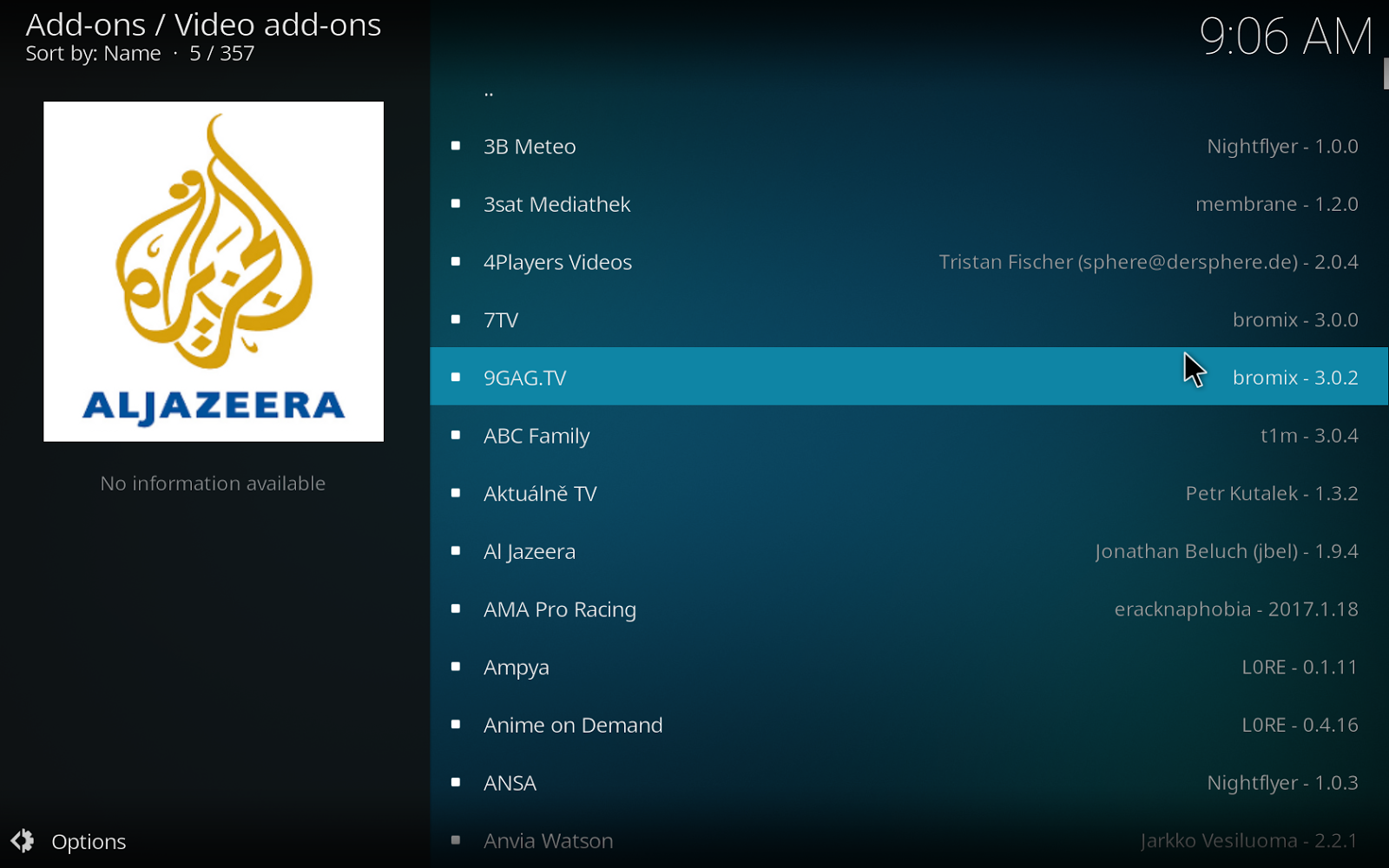
Kodi 17.0 Screenshots


Install Veracrypt, powerful encryption tool on Solus OS

When this post is written, Veracrypt 1.19 is available on Solus OS repository. This tutorial is going to show you how to install Veracrypt on Solus OS. Veracrypt (based on the popular TrueCrypt) is a powerful encryption tool which can be used to create encrypted containers. There are many encryption algorithm available in Veracrypt such as AES, Serpent, Twofish and many more. Veracrypt comes with a very simple user interface and wizard based. So, its easy for everyone to have encrypted containers/volume.


Steps to install Veracrypt on Solus OS

The easiest way is to install via Terminal. Last time I tried to install Veracrypt using Software Center, I ended up with failure. So, this command below is the solution.
sudo eopkg install veracrypt
The command will install veracrypt immediately.

Veracrypt 1.19 Screenshots on Solus OS


Solus OS 2017.01 Screenshots Tour

Happy new year for all Solus OS users. The new version of Solus OS 2017.01 has been released a while ago. Solus OS 2017.01 brings some refreshment to the Solus fans. Here are some nice screenshots of the new Solus OS 2017.01. 

The Desktop

Solus OS 2017.01 comes with some new wallpapers. It comes with Budgie Desktop 10.2.9 which is more stable and lightweight.

Application Menu

There is no significant update to the application menu. The Budgie 10.2.9 brings a better and more responsive application menu that make it even smoother.

System Settings

Access all configurable settings on Solus OS under System Settings. I didn't notice any changes on this section.

Solus OS Live Installer

To permanently install Solus OS 2017.01, the Live Installer GUI provide an easy way to install Solus OS to hard disk. 

Solus OS 1.2.0.5 Screenshots


The new version of Solus OS 1.2.0.5 is now available for download. This new Solus OS comes with many improvements and software update. Budgie Desktop is now upgraded to the latest version which is more stable. Here we have some screenshots of this new Solus OS 1.2.0.5.

Solus OS 1.2.0.5 Login Screen
Solus OS 1.2.0.5 Desktop
New features and updates in Solus 1.2.0.5
Budgie:
  • Battery icon refresh issues were solved
  • We resolved an issue where the keyboard layout would revert to the default guessed layout for the locale on login
  • We switched to gnome-screensaver for screen locking and power management

Installation:
  • Issues using Solus and the installation media on some hardware configurations, such as NVIDIA Maxwell cards and Intel Skylake processors.
  • We solved an issue whereby the installer might hang scanning disks.

Software:
  • We delivered an updated GNOME 3.20 Stack, Pulseaudio 9, as well as Mesa 12. Additionally, we shipped with GCC 6.1.0, glibc 2.24, and the latest stable kernel 4.7.2.


Kategori

Kategori